
GUIDED PICKING & PUT-AWAY
Guided Picking & Put-Away
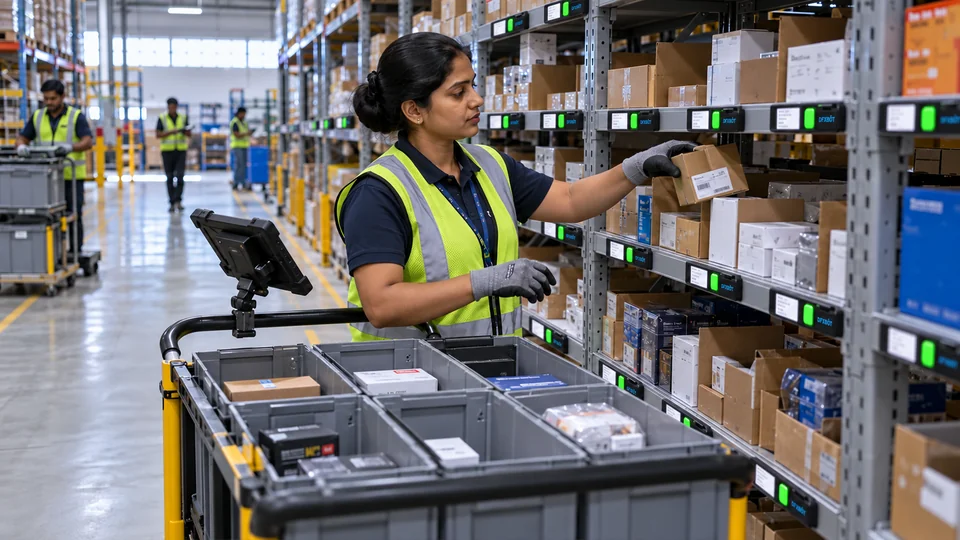
Guide each pick or placement with visible instructions at the point of work.
THE WORKING MECHANISM
From physical action
to a useful response.
WHAT YOUR TEAM CAN ACHIEVE
Clarity at the
point of work.
- Required location and quantity display
- Job-card and barcode-led workflows
- Multi-level rack and put-away guidance
- Colour, variant and position mapping

WHERE IT FITS
Designed around your material.
- Look-alike components and variants
- Rack levels, bins and shelves
- Roll storage and forklift handling
BRING IT INTO YOUR OPERATION
A realistic setup.
A defined workflow.
Light guidance identifies the assigned location. Acknowledgement records the action; SLIM or another agreed check can add independent physical quantity visibility.
Begin with representative material, the current storage arrangement and the business event you want to capture. Agree the operator action, interface and acceptance measures together.
RELATED OPPORTUNITIES
Build the next
connected step.
See current stock by item and location
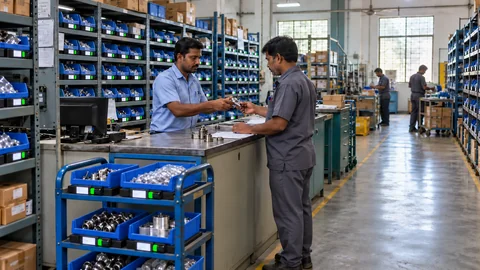
SLIM measures physical stock in selected bins, crates or pallet locations. See quantity changes and identify locations that need attention.
Request replenishment when stock runs low
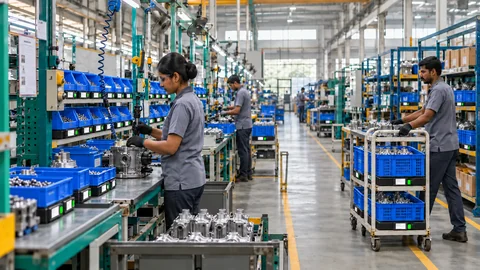
Use point-of-use stock levels and agreed thresholds to alert the supply team when a location needs refilling.
Plan guided picking around the task, item and location
Supply the task context
A job, order or scan identifies the material movement required. The application assigns the locations and instructions that operators should follow. Pick-to-light shows where to take material; put-to-light shows where to place it. The workflow must define which action confirms the step and which checks are needed before the next instruction.
Separate guidance from verification
An illuminated location helps the operator find the intended bin. A button acknowledgement records the configured interaction. It does not, by itself, prove the identity of an unscanned part or independently count the items moved. Agree barcode, weight or other validation inputs when the process requires that evidence.
Compare representative work
Choose orders or kits that include the difficult cases: similar parts, multiple quantities, repeated location visits and replenishment during work. Measure task time and verified error/rework records. Include operator training and exception handling in the acceptance test rather than judging only the fastest demonstration.
Review the Pick To Light hardware, warehouse order picking, put-away workflows and picking ROI estimate.
YOUR NEXT CONNECTED WORKFLOW
Let’s bring this into
guided picking & put-away.
Share the material, storage arrangement and action you want to connect. We’ll map a practical first application.