
SOLUTIONS
Your next connected
operation starts here.
Choose the outcome and workflow that matters to your team. Explore how sensing, guidance and applications bring it into reach.
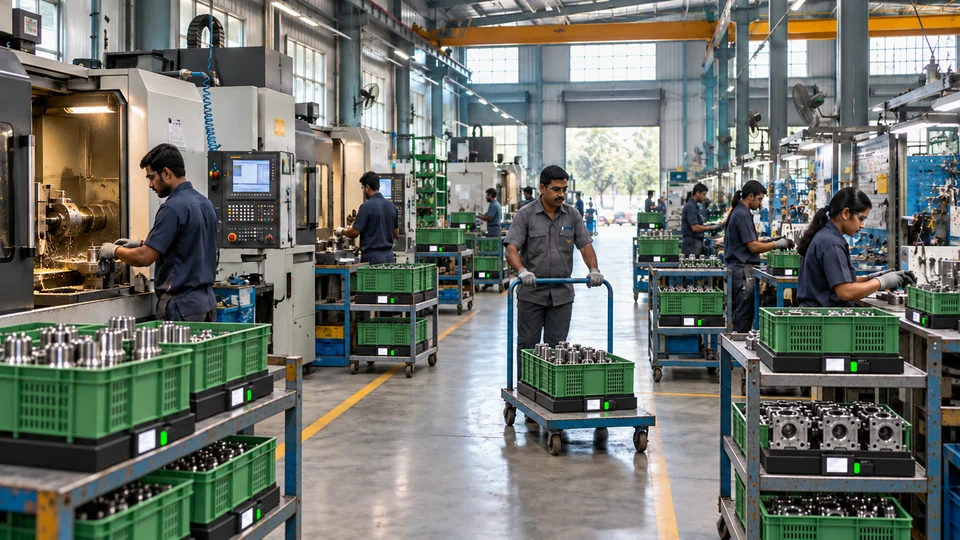

See current stock by item and location
SLIM measures physical stock in selected bins, crates or pallet locations. See quantity changes and identify locations that need attention.

Verify received material and quantity
Compare the arriving material and measured quantity with the expected receipt. Record the check before stock is accepted.
The right batch. In the right order.
Make receipt sequence, usable life and location part of the material decision.

Request replenishment when stock runs low
Use point-of-use stock levels and agreed thresholds to alert the supply team when a location needs refilling.
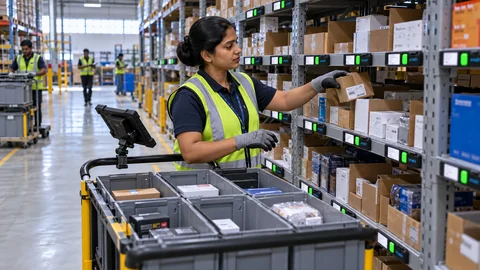
Guide operators to the right pick or put-away location
Pick To Light shows the assigned location and quantity. Operators confirm the action through the configured workflow.

Every step connected. Every kit accounted for.
Bring part guidance, workflow progress and completion rules into the assembly experience.
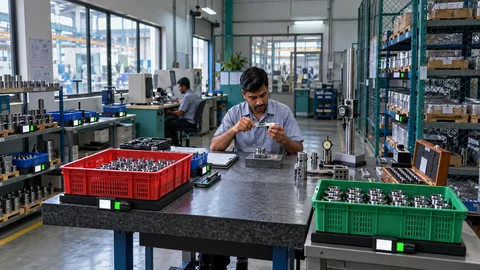
Track material identity and quality status
Link material records with batch details, quality decisions and process history using the inputs defined for your application.

Check pallet quantity before dispatch
Use measured pallet weight alongside shipment details to check the load against the agreed dispatch plan.

A shared view. A timely supply.
Give authorized suppliers the stock and consumption information relevant to replenishment.
YOUR OPERATING CONTEXT
Find the workflow
that fits your world.
Assembly & discrete manufacturing
Electronics, automotive components and industrial equipment: location guidance, workstation supply and kit progress.
See current stock by item and location
SLIM measures physical stock in selected bins, crates or pallet locations. See quantity changes and identify locations that need attention.
Guide operators to the right pick or put-away location
Pick To Light shows the assigned location and quantity. Operators confirm the action through the configured workflow.
Guide operators to the right pick or put-away location
Pick To Light shows the assigned location and quantity. Operators confirm the action through the configured workflow.
Check pallet quantity before dispatch
Use measured pallet weight alongside shipment details to check the load against the agreed dispatch plan.
Consumables & vendor replenishment
Point-of-use stock, supplier visibility and partner applications: consumption-led signals and defined response ownership.
These application contexts are starting points. Representative material, handling conditions and the agreed workflow define the final configuration.
YOUR NEXT CONNECTED WORKFLOW
Let’s bring this into
your operation.
Share the material, storage arrangement and action you want to connect. We’ll map a practical first application.