
PICK TO LIGHT
Pick To Light for guided picking and put-away
Bring location, quantity and acknowledgement into the operator’s workflow with visual guidance at the point of work.
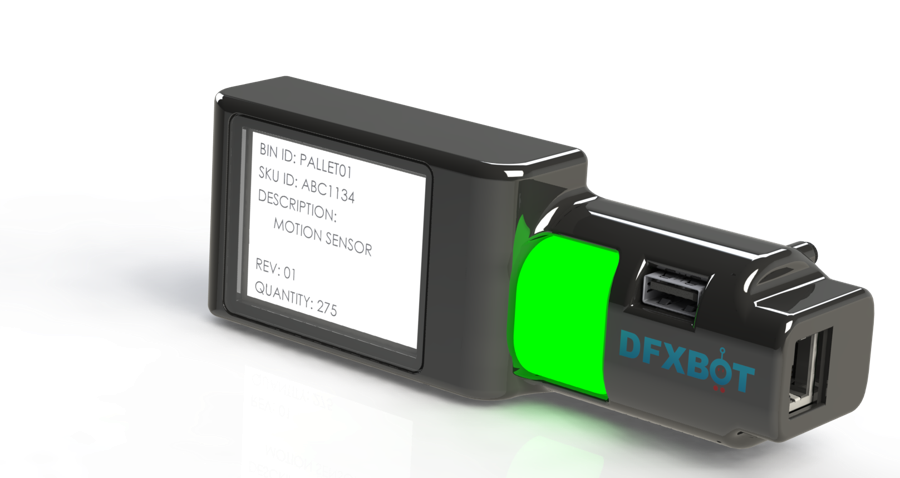
EXPLORE THE HARDWARE
See the form.
Find the right working fit.
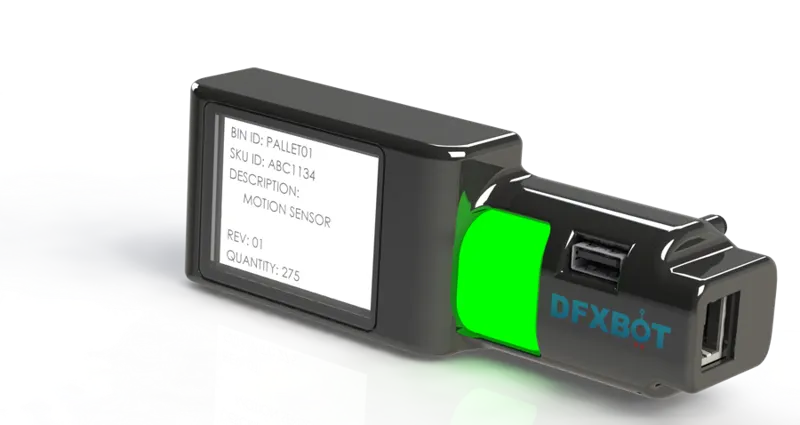
DISPLAY OPTIONS
Choose the instruction
your workflow needs.

TFT display
A text-capable display for the configured item and operating instruction, with an RGB illuminated button.

Three-digit display
A seven-segment quantity display with an RGB illuminated acknowledgement button.
PRODUCT & APPLICATION
Guidance that fits
the working location.
- Pick-to-light and put-to-light workflows
- RGB visual indication and push-button acknowledgement
- RJ45 daisy-chain device connections
- REST API / Modbus RTU interfaces listed in the catalogue
- Optional USB barcode-reader connection
- ERP/WMS integration and on-premise/cloud application options
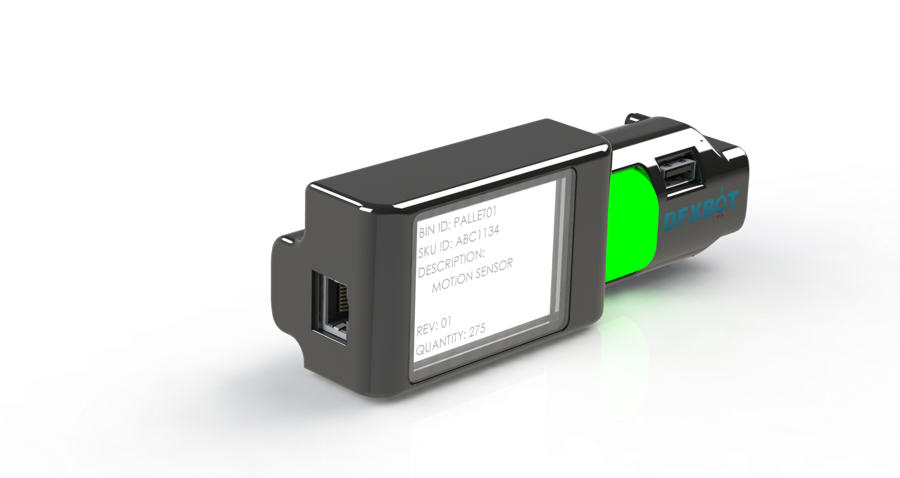
See the catalogue for variant-specific dimensions, electrical details and installation information.

Guide operators to the right pick or put-away location
Pick To Light shows the assigned location and quantity. Operators confirm the action through the configured workflow.

Every step connected. Every kit accounted for.
Bring part guidance, workflow progress and completion rules into the assembly experience.
YOUR NEXT CONNECTED WORKFLOW
Let’s bring this into
your picking or assembly workflow.
Share the material, storage arrangement and action you want to connect. We’ll map a practical first application.